Feedback

AI Storyboard Generator
AI Storyboard Generator turns scripts and ideas into visual storyboards in seconds. Describe a scene, upload references, and iterate in real time — the AI Storyboard Generator produces consistent frames, animatics, and export-ready assets to speed production.
All Tools
Browse AI tools
Seedance2.0
The Future of AI Video Is Here.

Free AI Video
100% Free AI Video Generator

Free AI Image
Truly Free AI Image Generator
Gemini Omni
Gemini Omni Video Generator

Seedance 2.1
The Future of AI Video Is Here.
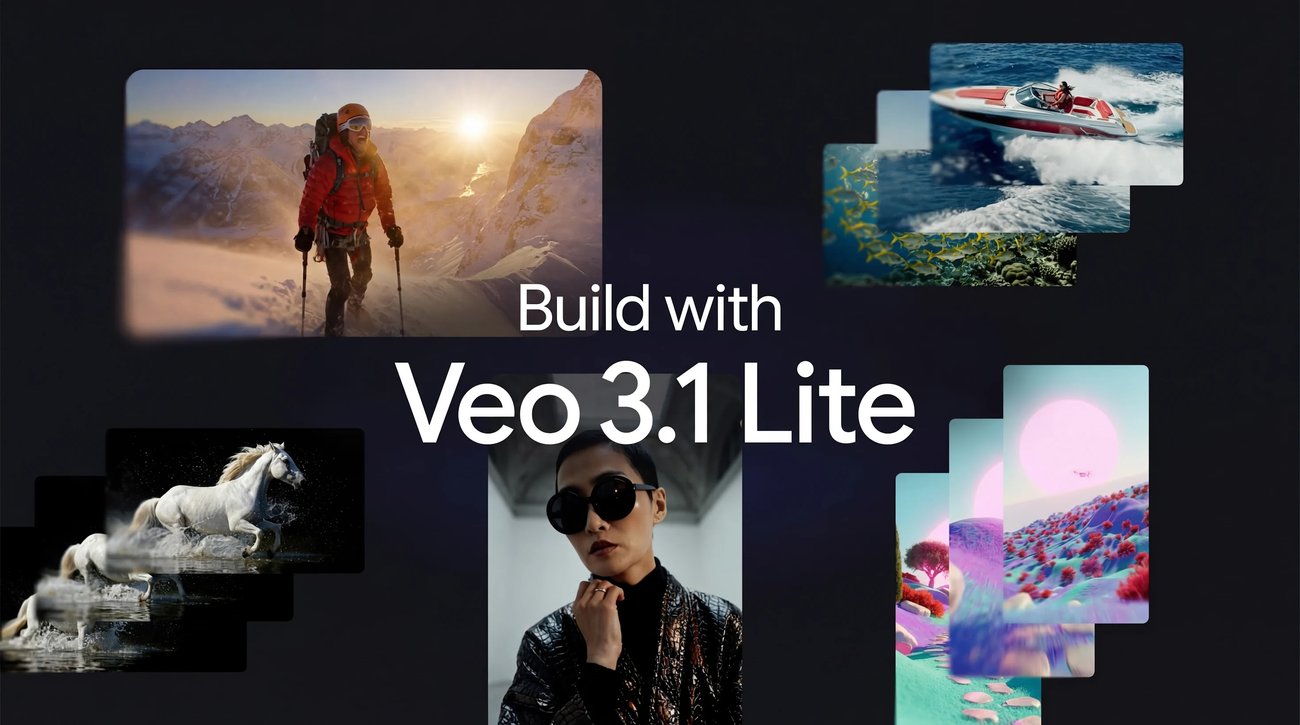
Veo 3.1 Lite Video Generator
Create Stunning Videos with Veo 3.1 Lite
Happy Horse 1.0

Kling3.0
Next-Gen AI Video Generator
AI Image Editor Examples
See what our AI Image Editor can do. Remove backgrounds, change styles, enhance photos instantly.
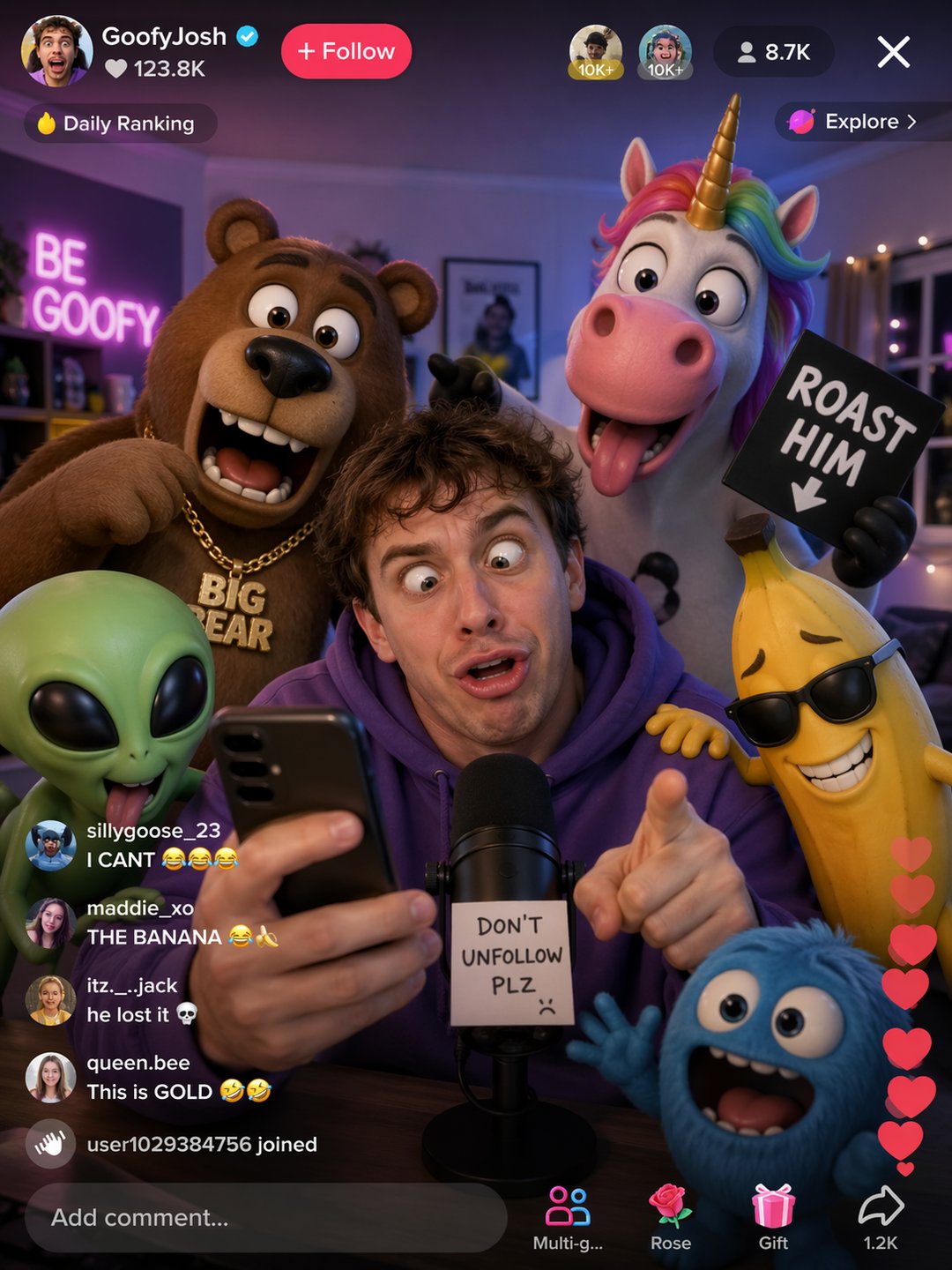


Transform concepts into visuals with AI storyboarding
Turn scripts and ideas into a dynamic visual blueprint. AI Storyboard Generator converts text and references into frames and animatics, enabling fast iteration, team collaboration, and export-ready storyboards.
- Real-time CollaborationCollaborate across your team — edits sync instantly so storyboards evolve together using AI Storyboard Generator.
- Element ConsistencyAutomatically extract characters, props and locations as reusable Elements to keep continuity across frames in AI Storyboard Generator.
- Preview & ExportPreview animatics, export MP4 or PDF pitch decks, and iterate until the storyboard is production-ready with AI Storyboard Generator.
Why Choose AI Storyboard Generator
AI Storyboard Generator accelerates pre-production: generate consistent frames, keep element continuity, and collaborate in real time to reduce iteration cycles and speed delivery.


How to create a storyboard with AI
Four simple steps: add your concept, configure generation settings, confirm elements, and review shot breakdowns before exporting with AI Storyboard Generator.
AI Storyboard Generator Features
Key capabilities for reliable pre-production: fast frame generation, element extraction, team collaboration, animatic preview, and production exports.
Versatile Frame Creation
Sketch, prompt, or upload references to generate frames tailored to tone, composition, and camera style with AI Storyboard Generator.
Real-time Collaboration
All team edits update instantly across boards so feedback cycles are faster and everyone stays aligned.
Element Extraction
Automatically extract and tag characters, props and locations as reusable Elements to maintain continuity across shots.
Preview & Export
Preview animatics, export MP4 animatics or PDF pitch decks, and hand off assets to production directly from the storyboard.
Shot Breakdown & Script Integration
Convert scripts into scenes and shots with clear breakdowns so you can review and refine pacing before generation.
Production‑Ready Assets
Generate high-resolution storyboard frames and polished pitch materials ready for stakeholder review and production.
GPT Image 2 AI Image Generator FAQ
Common questions about GPT Image 2 AI Image Generator — tips for getting the best multilingual, commercial images.
What is GPT Image 2 AI Image Generator?
GPT Image 2 AI Image Generator is an all‑in‑one AI image platform that renders native text, composes scene‑aware visuals, and delivers commercial‑grade images for listings, ads, and social channels.
Do I need design skills?
No. GPT Image 2 AI Image Generator suits sellers and creators — use presets, brand templates, or automated workflows without deep design skills.
Will GPT Image 2 reduce my photo costs?
Yes. GPT Image 2 AI Image Generator automates repetitive edits and batch processing to cut production time and costs while keeping commercial quality.
What formats are supported?
Upload JPG or PNG; export high-resolution images optimized for web, marketplaces, and print. API access enables programmatic exports and integrations with GPT Image 2 AI Image Generator.
Can I re-edit and create variations?
Yes. Regenerate variations, A/B test visuals, and bulk‑update catalogs using GPT Image 2 AI Image Generator for consistent campaigns.
Is GPT Image 2 secure for product images?
Yes. Images are processed securely; enterprise plans include data controls, team access, and integrations for compliance with GPT Image 2 AI Image Generator.
Start Creating with GPT Image 2 AI Image Generator
No complex tools required. Remove backgrounds, batch‑edit, and publish studio‑quality imagery fast with GPT Image 2 AI Image Generator.